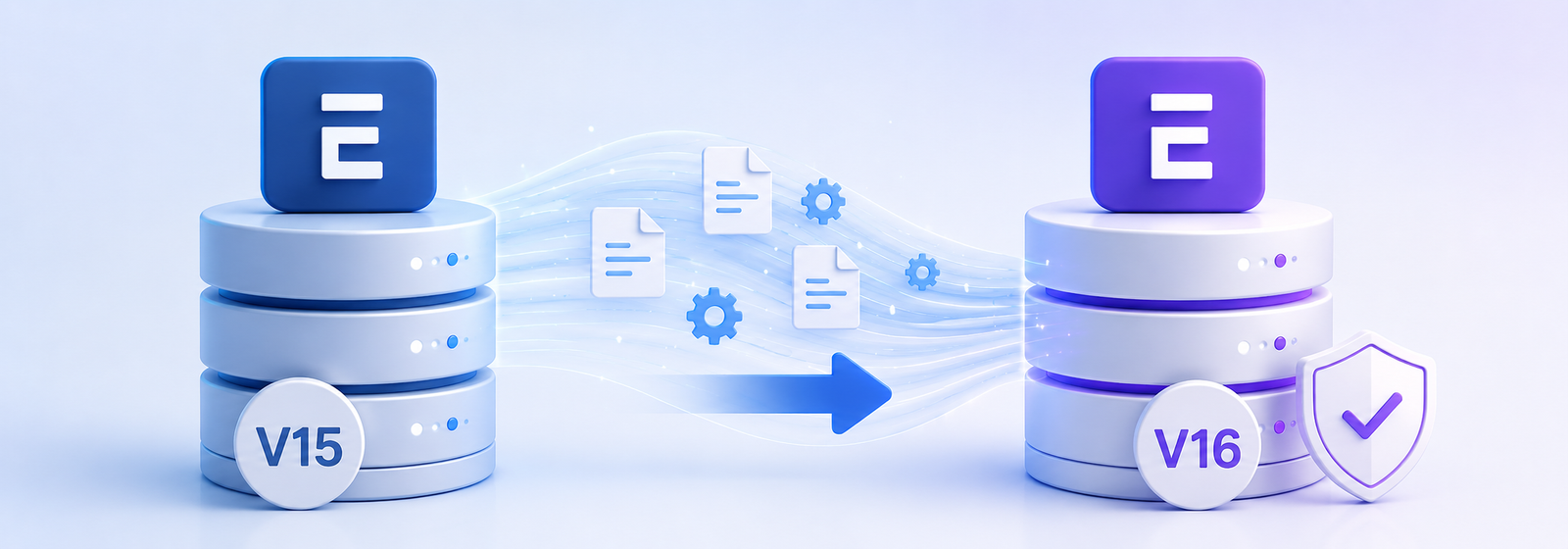
You know you need to plan your ERPNext V15 to V16 Migration. But the moment someone brings it up, the questions start: What if data gets lost? What happens to our custom apps? How long will this take? Will our business be impacted?
We have heard this exact conversation more times than we can count. And every single time, the answer is the same; it does not have to be that way.
There is always a way to tackle that fear, and businesses have to find it, because sitting on an older version will only create more problems over time. As updates increase and as versions move forward, older versions start carrying more issues and more compatibility gaps, and at a certain point, some problems simply won’t have a solution anymore.
So the real question is, how do you successfully complete an ERPNext V15 to V16 Migration, without losing your data or customisations?
That is exactly what we are going to talk about today.
Where You Stand Today
Many businesses are running on ERPNext V15 right now. They have customisations, workflows, years of data, and everything settled and familiar. The thought of upgrading to V16 feels like disrupting something that is working.
The most common thing businesses ask us: “What if we don’t upgrade from V15?”
Fair question. But the bigger question is, till when?
This is an ongoing process. Jaise life mein updates aate hain, processes change hote hain, generation ke saath age badhna padta hai, waise hi systems ko bhi evolve karna padta hai. Aur yahi life ki khoobsurti hai. Jab aage badhte ho, tabhi nayi cheezein dikhti hain. Same goes with versions.
ERPNext V16 has some genuinely amazing features, features you will love, and honestly, features you will regret missing if you stay back on V15.
Why ERPNext V16 Matters for Your Business
ERPNext V16 is not just a version number. It brings real improvements:
- Better performance and system responsiveness
- Enhanced security and stability
- New manufacturing and inventory capabilities including MRP
- Improved financial reporting
- Long-term platform support and future compatibility
- Better features that will genuinely make day-to-day operations easier
For growing businesses, upgrading is not just a technical task, it is a commitment to growing with better tools, better stability, and a better foundation for your business.
The Real Challenge: Your Customisations
Every business works differently. Over time, ERPNext implementations get shaped around specific business processes, and that is exactly how it should be.
Businesses often have:
- Custom fields and forms
- Automated workflows
- Client and server scripts
- Custom reports
- Print formats
- Third-party integrations
These customisations are what make your ERP fit your business.
They are also the reason why upgrades need careful planning, not avoidance, just planning. Without proper testing, some custom scripts or workflows may need adjustments after a major version upgrade.
The key word here is testing, not guessing, not hoping, but actually validating everything before it goes live.

How a Successful ERPNext V15 to V16 Migration Works
Here is the step-by-step process we follow for ERPNext V15 to V16 Migration without losing data or customisations:
- Backup and Assessment: Before anything begins, a complete backup of the database, files, and custom applications is created. All existing customisations are reviewed and documented. Nothing moves forward without this foundation.
- Build a Separate Test Environment: The migration happens in a separate environment; your live system keeps running normally throughout the entire process. No disruption to daily operations.
- Upgrade and Validate: Data is migrated to ERPNext V16, and every custom workflow, report, print format, and business process is tested thoroughly. Any compatibility issues are identified and fixed here before they can impact your business.
- User Acceptance Testing and Go-Live: Key users from your team verify the system. Only after everything is confirmed does the final production switch happen.
This approach is what makes migration safe, not scary.
A Real Migration We Did: Manufacturing Industry
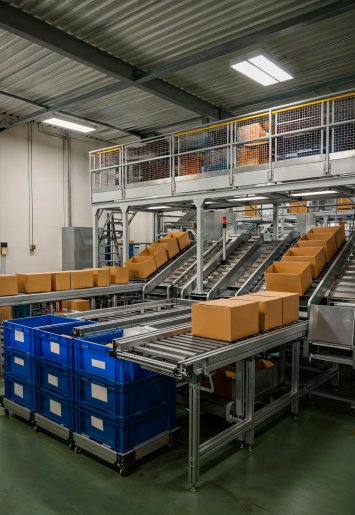
A manufacturing business came to us with exactly the concerns we just described, custom apps, complex workflows, years of data, and very little time to spare. They needed to undergo an ERPNext V15 to V16 Migration, but the fear of something breaking mid-migration was holding them back.
Here is what their system looked like:
- 7 applications
- 2 custom-built modules
- 12 custom DocTypes
- More than 2 GB of production data
During testing, we caught a custom Salary Slip print format that had stopped working due to a compatibility conflict, fixed before go-live. Custom apps needed reworking for V16 compatibility. Features like Energy Point Rules needed a different installation approach, all handled during testing, none of it reaching the live system.
Go-live? Smooth. No data loss. No broken workflows. No surprises.
The client’s words after go-live, happy, satisfied, no issues. That is the only outcome we work towards. Because testing was done right, the go-live was the least stressful part of the entire project.
Most Asked Question: What Happens to My Existing Customisations?
This is the question we hear the most, and rightly so. In most cases, customisations are fully preserved during migration, including:
- Custom fields and forms
- Workflows
- Reports and print formats
- User roles and permissions
The key is proper testing and validation before production deployment. Not skipping steps. Not rushing. Doing it right.
What Happens If You Keep Delaying the Upgrade?
We understand the comfort zone. We understand the time, effort, and mental load it takes to shift from something familiar to something new.
But delaying has a real cost:
- Maintenance becomes harder over time
- Compatibility issues keep growing
- Security risks increase
- New ERPNext features stay out of reach
- Future upgrades become significantly more expensive and complex
At a certain point, an older version becomes a version you are just sitting on, difficult to manage, difficult to get support for, and when problems do come, they come urgently. That urgent migration is ten times more stressful than a planned one.
Upgrading proactively is almost always simpler than waiting until you have no choice.
So, Should You Upgrade to ERPNext V16?
Yes, but with a plan, not with panic.
ERPNext V16 brings meaningful improvements in performance, stability, security, and functionality. For businesses running customised environments, an ERPNext V15 to V16 Migration requires careful planning, but it does not have to be disruptive. With proper assessment, testing, and validation, you can confidently move to the latest version while preserving the customisations, workflows, and data that keep your business running.
Many businesses try to do this themselves and run into data loss, broken workflows, or failed deployments. We always recommend going with an experienced Frappe partner who has done this before.
This is where Satat Tech comes in.
Whether you are planning an ERPNext V15 to V16 Migration or looking for a fresh ERPNext implementation, our team is here to help. Every business has unique requirements, customisations, and processes, which is why we begin by understanding your current setup, challenges, and goals before recommending the right migration approach.
No surprises. Just a clear plan.

Frequently Asked Questions
How long does an ERPNext V15 to V16 Migration typically take?
It depends on the complexity of your customisations and data volume. A straightforward migration can take a few days. A heavily customised system with multiple custom apps may take 2–4 weeks including testing. The goal is always to do it right, not fast.
Will my existing customisations be lost after upgrading to V16?
In most cases, no. Custom fields, forms, workflows, reports, and print formats are preserved. However, some custom-built apps or scripts may need compatibility updates for V16, which is exactly why testing in a separate environment before go-live is essential.
Can I continue using ERPNext while the migration is happening?
Yes. The migration is done in a separate test environment, so your live system keeps running normally throughout the entire process. There is no downtime during migration
What if some features I use in V15 are not available in V16?
Some features have changed in V16, a few have been removed and require a different installation approach (like Energy Point Rules). An experienced Frappe partner will identify these during the assessment phase and make sure alternatives are in place before go-live.
Is it safe to migrate on our own without a Frappe partner?
It is possible, but risky, especially if you have customisations, custom apps, or large data volumes. Many businesses that attempt self-migration face data loss or broken functionality. Working with an experienced Frappe partner significantly reduces that risk.
We are not on ERPNext yet. Can Satat Tech help us implement V16 from scratch?
Absolutely. Whether you need a fresh ERPNext V16 implementation or a migration from V15, our team can help. We work with manufacturing, pharma, and other industries across India.
How do we get started with Satat Tech for our migration?
Simply reach out to us. We will review your current ERPNext setup, understand your customisations, and give you a clear migration roadmap, no jargon, no pressure, just a practical plan for your business.

Satat stands for Continuous Delivery,
Persistent Improvement and
Relentless Innovation


Leave a Reply
Want to join the discussion?Feel free to contribute!